Something stopped working and you're not sure if it's the toy, the app, your phone, or something you did. That's the frustrating part — it's rarely obvious where the problem actually is. I've spent a lot of time in Lovense user groups and support threads, and the same issues come up over and over. This guide covers all of them, with the fixes that actually work — not the vague "try restarting your phone" advice that wastes your time when you're mid-session and just want your toy back online.
⚡ Frequent connection drops or charging issues?
If you're on an older model and dealing with constant drops, it might not be a software issue. The Lush 4, Hush 2, and Max 2 redesigned the Bluetooth system from scratch — most of the problems below simply don't happen on current hardware.
📋 Quick Navigation
Jump to the section you need:
🔗 Connectivity & Bluetooth Issues
Connection issues are by far the most common thing I see in Lovense user groups. The good news: they're almost always fixable in under two minutes once you know what's actually causing it.
Problem: Toy Won't Connect to App
- Turn toy off completely - Hold power button for 3-5 seconds until it powers down
- Close Lovense Remote app - Force close, don't just minimize
- Enable Bluetooth - Go to phone settings and ensure Bluetooth is ON
- Turn toy back on - Wait for LED to flash (indicates pairing mode)
- Reopen app - Tap "Search" or "+" to scan for devices
- Stay close - Keep phone within 10 feet during initial pairing
Problem: Connection Keeps Dropping
- Check battery level - Low battery causes unstable connections
- Remove obstacles - Bodies, walls, and metal objects interfere with Bluetooth
- Disconnect other Bluetooth devices - Headphones, speakers can cause interference
- Update firmware - Open app, go to Settings ? Device Settings ? Update Firmware
- Reset Bluetooth - Toggle phone's Bluetooth off/on, or restart phone
Problem: Multiple Devices Won't Connect Simultaneously
- Connect one at a time - Pair first device completely before adding second
- Ensure all devices are charged - Low battery on any device causes issues
- Use same app session - Don't close app between connections
- Check app limits - Free version supports 1 toy, Premium supports multiple
🤖 Android-Specific Connection Issues
Android users hit this constantly. Go to Settings → Apps → Lovense Remote → Permissions → Enable Location. I know — it makes no sense for a sex toy app to need location access. But Android 6.0+ requires location permission for any app that scans for Bluetooth devices. It's a Google thing, not a Lovense thing. The app isn't tracking you.
🔋 Charging & Battery Problems
Charging problems almost always come down to three things: dirty contacts, a bad cable, or a battery that drained completely. None of them are permanent — and the fix is usually faster than you'd think.
Problem: Toy Won't Charge
- Check charging pin alignment - Magnetic pins must align perfectly with toy's charging port
- Clean charging contacts - Use cotton swab with rubbing alcohol to remove residue/lubricant
- Try different USB power source - Some chargers don't provide enough power; try computer USB or wall adapter
- Look for charging LED - Should show red/orange light when charging, green when full
- Let it charge longer - Completely dead batteries may take 10-15 minutes before showing charging light
- Try different cable - Magnetic charging cables can fail; test with another if available
Problem: Battery Drains Too Fast
- Check firmware version - Outdated firmware causes battery drain; update through app
- Fully cycle the battery - Charge to 100%, use until depleted, charge to 100% again
- Reduce Bluetooth range - Weak connections cause battery drain as toy boosts signal
- Turn off when not in use - Standby mode still consumes power
- Check for stuck motors - If motor runs constantly, contact Lovense support
Problem: Charging Light Stays Red/Never Turns Green
- Wait the full charging time - Most toys need 1.5-2 hours for complete charge
- Battery calibration needed - Unplug at red, use toy until dead, then full charge
- Check for battery degradation - After 500+ charge cycles, batteries lose capacity
- Temperature affects charging - Charge in room temperature environment (32-95°F)
✨ Lovense Remote App Problems
The Lovense Remote app updates frequently, which means occasional bugs — but also means most issues get patched quickly. If something broke after an update, check the app store reviews: you'll usually see others reporting the same thing, which confirms it's not your setup.
Problem: App Crashes or Freezes
- Force close and reopen - Swipe away app completely, then relaunch
- Clear app cache - Settings ? Apps ? Lovense Remote ? Clear Cache (not data)
- Update to latest version - Check App Store/Play Store for updates
- Restart phone - Full power cycle can resolve memory issues
- Reinstall app - Uninstall completely, restart phone, reinstall fresh
- Check phone compatibility - iOS 12+ or Android 6.0+ required
Problem: Long-Distance Control Not Working
- Both users need app open - App must be active, not in background
- Check internet connection - Both users need stable WiFi or data
- Verify pairing code - Use the exact code shown in receiver's app
- Ensure toy is connected locally first - Receiver must have toy connected via Bluetooth
- Try "Long Distance" tab - Not the local control tab
- Firewall/VPN issues - Disable VPN or firewall temporarily to test
Problem: Sound/Music Control Not Responding
- Grant microphone permission - Settings ? Lovense Remote ? Enable Microphone
- Increase ambient sound - Needs clear audio input to detect
- Adjust sensitivity - In app, slide sensitivity bar higher
- Try different tab options - Switch between "Sound" and "Music" modes
- Check phone case - Some cases block microphone
💡 iOS Users: Background Disconnection
iOS automatically closes background apps to save battery. Keep the Lovense app in the foreground during use, or enable "Guided Access" (Settings ? Accessibility ? Guided Access) to lock the app open.
Still Disconnecting? It Might Be Time to Upgrade
The Lush 4 (2024) specifically addressed the Bluetooth drop and "keeps shutting off" issues that plagued older models — redesigned antenna, faster reconnection, and a new chip. If your Lush 3 is still disconnecting after trying everything above, the hardware itself may be the limit.
Same applies to older Hush models — the Hush 2 fixed most of the charging and app-sync issues from the original.
⭐ Vibration & Performance Issues
If the vibrations feel weaker than they used to, or the toy is making a sound it didn't make before — don't assume it's broken. In most cases it's a battery or firmware issue. Actual motor failures are rare and usually covered under warranty.
Problem: Weak or No Vibration
- Charge fully - Low battery = weak vibrations
- Clean thoroughly - Buildup can dampen motor
- Check app control level - Ensure vibration slider is at desired level
- Test with different patterns - Some patterns are gentler than others
- Firmware update - Can improve motor control
- Motor may be failing - Contact Lovense support if under warranty
Problem: Vibration Stutters or Cuts Out
- Connection interruption - Move phone closer to toy
- Battery too low - Charge above 20% for consistent performance
- Overheating protection - Toy may pause if too hot; let cool 5-10 minutes
- Firmware glitch - Update or downgrade firmware through app
Problem: Unusual Noise or Grinding Sound
- Clean and dry completely - Water inside can cause noise
- Check for damage - Dropped toys may have internal damage
- Motor bearing wear - Normal after extensive use; contact support
- Remove and reinsert (if applicable) - For toys with removable parts
Problem: Toy Won't Turn On
- Charge for 2+ hours - May be completely dead
- Try different charging method - Different USB port/adapter
- Hard reset - Hold power button for 10+ seconds
- Check for water damage - Ensure charging port is dry
- Contact support - May need replacement if defective
✨ Product-Specific Troubleshooting
Common issues for specific Lovense models and their unique solutions.

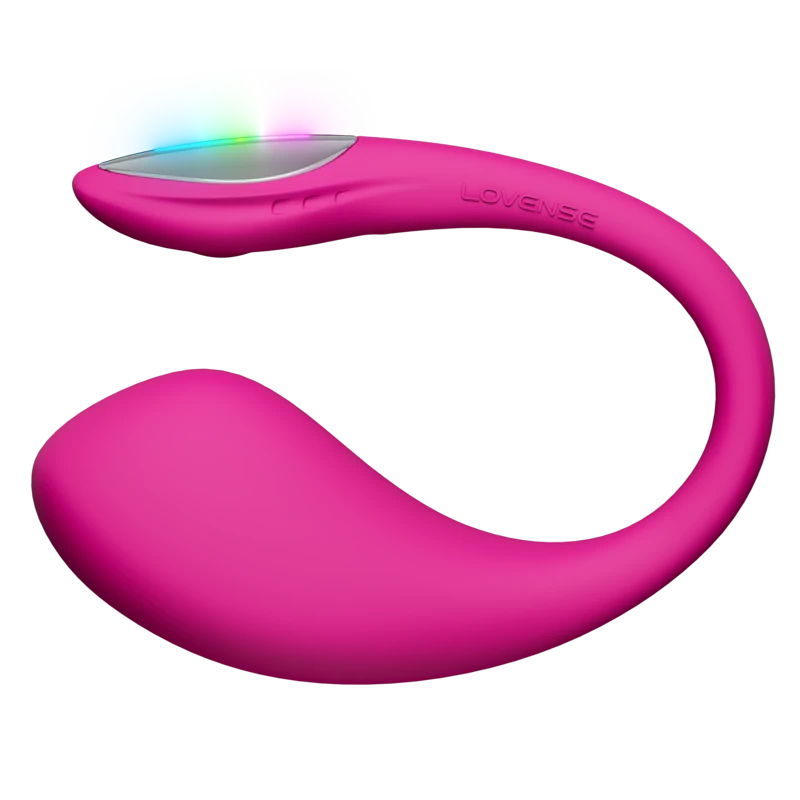
💡 Lush 3 / Lush 4
- Tail won't stay in place: Try different positions/angles. Some anatomies don't fit Lush design - consider Lush Mini or Vulse instead
- Falls out during use: Normal if standing/walking. Works best sitting/lying down. Strengthen pelvic floor muscles.
- Antenna not responding: The tail is the antenna. If bent/damaged, Bluetooth range decreases significantly.
- Lush 4 won't pair: Ensure Bluetooth 5.0 is supported on your phone (iPhone 8+ or Android 5.0+)
→ Full Lush 3 review · → Full Lush 4 review
🛒 Buy Lush 4 — Official Store
💡 Nora
- Rotation stopped working: Clean shaft thoroughly - hair/lint can jam mechanism. Try firmware update.
- Arm won't adjust: Press firmly while adjusting. Don't force if stuck - contact support.
- Makes clicking sound during rotation: Usually normal mechanical sound. If sudden change, may indicate wear.
- Won't sync with Max 2: Both toys must be connected to same app session. Update both firmwares to matching versions.
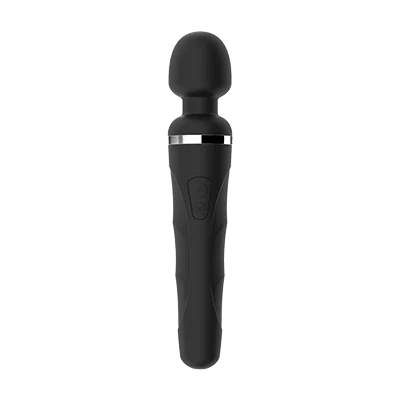
💡 Domi 2
- Head gets too hot: Normal during extended use at high power. Take 5-minute breaks. Clean ventilation areas.
- Weak compared to Magic Wand: Domi is quieter but slightly less powerful. Use highest settings or try closer contact.
- Charging port loose: Magnetic charger should snap firmly. If loose, charging pins may be bent - contact support.
- Heavy/tiring to hold: Use pillow positioning or hands-free harness accessories.
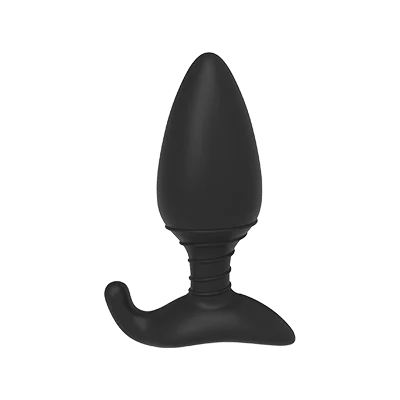
💡 Hush 2
- Difficult to remove: Relax muscles, use more lube, pull gently on base. Never pull on charging port.
- Size concerns: Hush 2 comes in Small (1.5" diameter) and Large (1.75"). Start with Small if uncertain.
- Antenna issues: The base is the antenna. If Bluetooth weak, ensure base isn't fully inserted.
- Uncomfortable neck: The tapered neck might feel too long for some. Try different positions or consider shorter plug design.
💡 Max 2
- Air pump too weak: Ensure firmware updated. Try "Vibration + Air" mode. Clean air chambers thoroughly.
- Sleeve feels too tight/loose: Adjust air pump level. Can't be changed physically - size is fixed.
- Difficult to clean: Sleeve is removable. Rinse sleeve separately with toy cleaner, air dry completely before reassembling.
- Nora sync issues: Ensure both on latest firmware. Connection must be stable for both devices simultaneously.
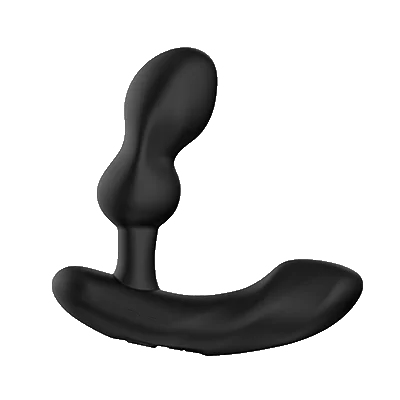
💡 Edge 2
- Arm won't adjust: Squeeze adjustment buttons firmly while bending. Should move smoothly when properly pressed.
- Won't stay in place: Adjust both arms to fit your anatomy. May shift during movement - readjust as needed.
- One motor weaker than other: Check app - motors have independent controls. If same level but different strength, contact support.
- Uncomfortable pressure: Prostate toys require practice. Use lots of lube, relax, start with lower settings.
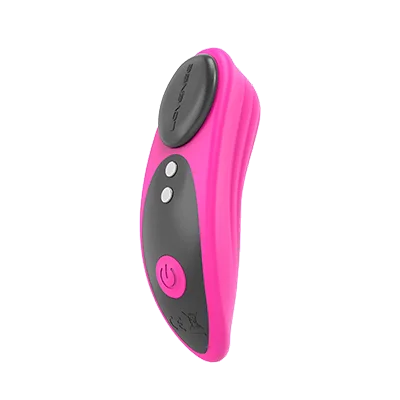
💡 Ferri
- Falls out of underwear: Works best with tighter-fitting underwear. Magnetic cap should face outward for better fit.
- Not strong enough: Ferri is designed for public play (discreet). For more power at home, consider Domi 2.
- Magnet too weak: Magnetic cap should hold firmly. If weak, may be defective - contact support.
- Battery drains in public mode: Normal - maintaining public play Bluetooth connection uses more battery.
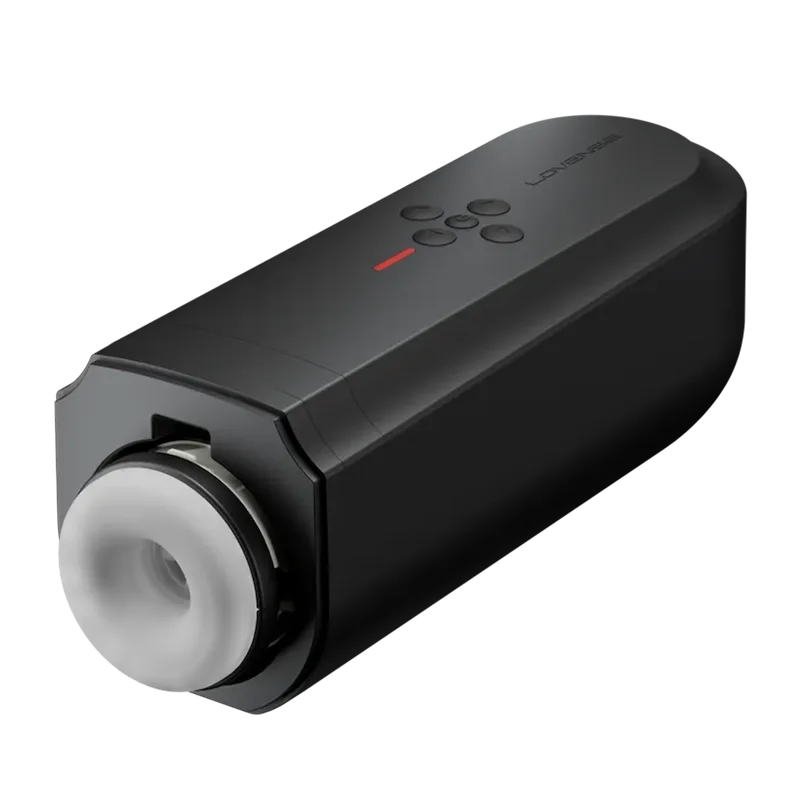
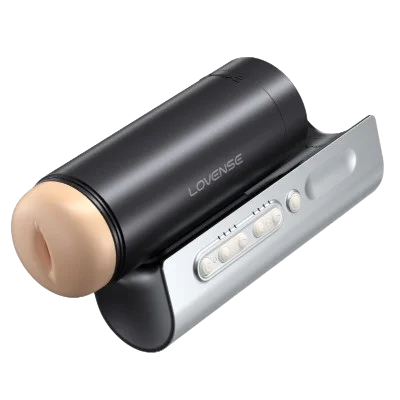
💡 Solace / Solace Pro
- Thrusting mechanism stuck: Clean shaft thoroughly. Ensure fully charged. Try manual movement gently to free.
- Too intense/not enough: Adjust thrusting depth in app settings. Try different vibration + thrusting combos.
- Lube keeps drying: Water-based lube absorbs quickly. Reapply frequently or try thicker consistency lube.
- Loud mechanical noise: Some noise normal for motorized thrusting. Sudden change = possible wear, contact support.
→ Full Solace review · → Full Solace Pro review
🛒 Buy Solace Pro — Official Store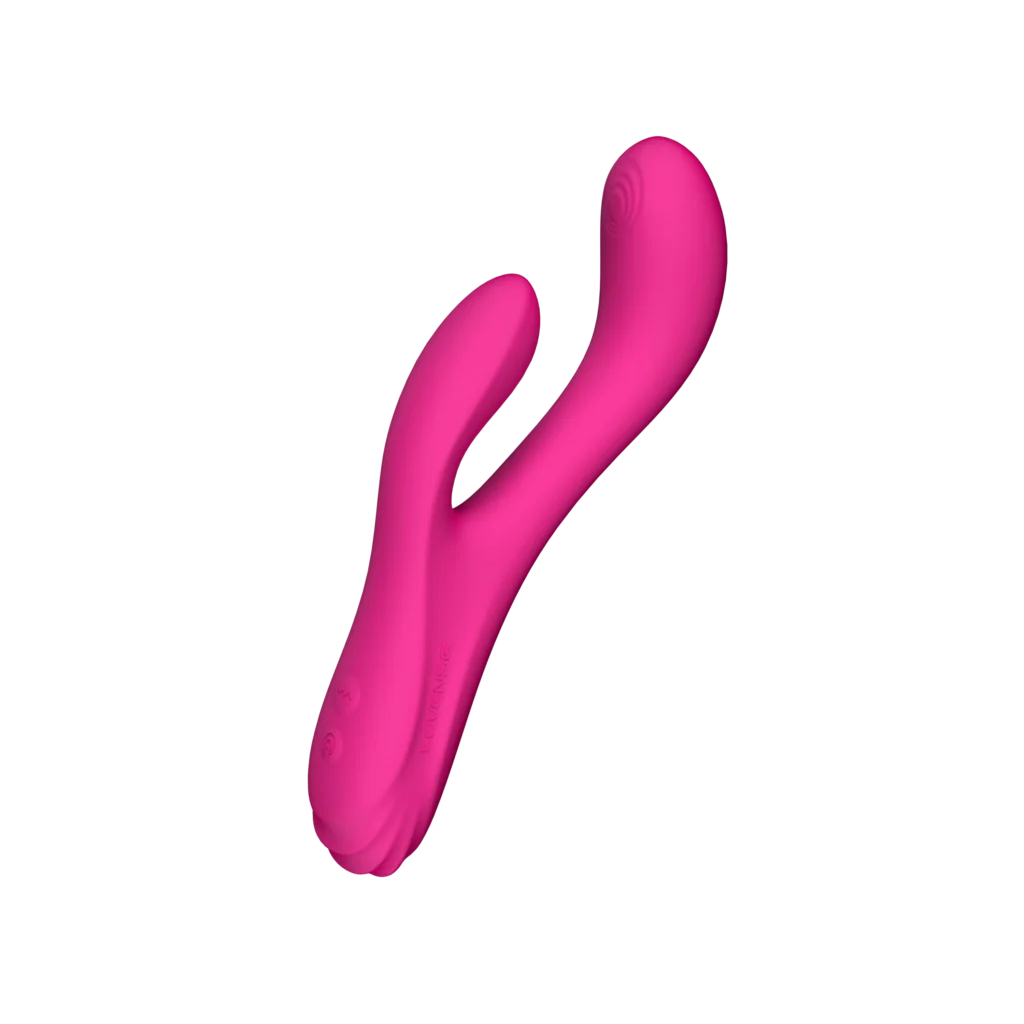
💡 Osci 3
- Oscillation feels weak: Must be properly positioned on G-spot for full effect. Try different angles/depths.
- Clitoral arm uncomfortable: Cannot be adjusted. If painful, may not fit your anatomy — try Dolce instead.
- Oscillation stopped: Clean mechanism thoroughly. Update firmware. If still broken, contact support.
- Both motors don't feel synchronized: Check app - motors have independent controls. Adjust to preferred balance.
🔧 Ridge
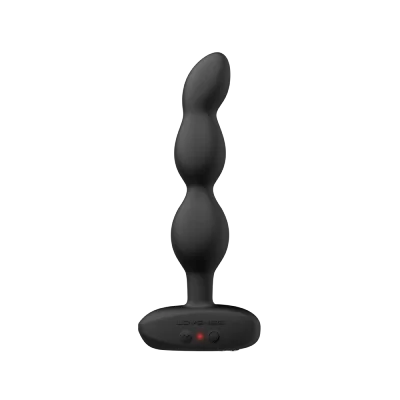
- Texture too intense: Use more lube. Start slow. Texture softens slightly with warming (body heat).
- Size concerns: Ridge is 5.9" insertable, 1.5" diameter. One size only - no size options available.
- Vibration weaker than expected: Ridge prioritizes realistic feel over power. Not as strong as dedicated vibrators.
- Hard to clean ridges: Use soft brush with toy cleaner. Ensure completely dry before storage to prevent bacterial growth.
💡 Vulse
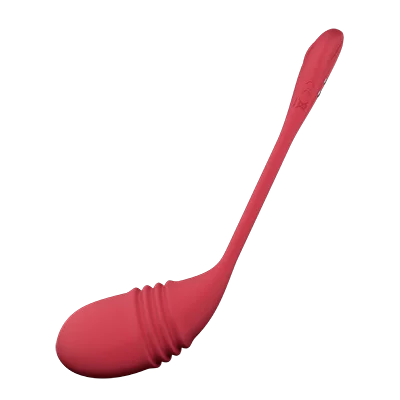
- Thrusting too intense: Reduce thrusting level in app. Start at lowest settings and increase gradually.
- Tail positioning issues: Similar to Lush but smaller. Try different angles. Some anatomies may not fit tail design.
- Battery drains faster than Lush: Thrusting motor uses more power. Normal to get less battery life than non-thrusting models.
- Thrusting mechanism jammed: Clean thoroughly. Ensure nothing obstructing movement. Contact support if persists.
💡 Gush 2
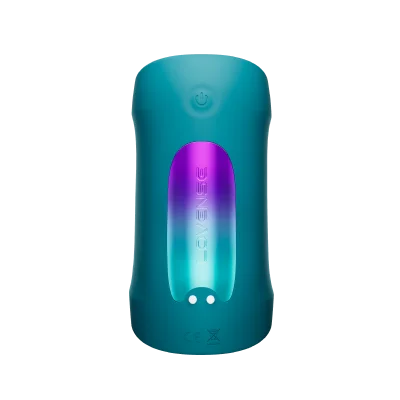
- Too flexible/not enough grip: Gush is designed to be flexible for various sizes. Tighten manually or try different position.
- Size doesn't fit: Works for most sizes but may be too large/small for extremes. No size adjustments available.
- Sleeve cleaning: Open completely, rinse thoroughly. Use toy cleaner. Must air dry completely (24hrs) to prevent mold.
- Lost flexibility over time: Normal material aging. Clean gently, don't overheat when drying.
✨ General Maintenance & Prevention
Most of the issues in this guide are avoidable. Five minutes of proper cleaning and storage after each session is usually all it takes to keep a Lovense toy working for years.
Cleaning Best Practices
- Clean before and after every use with toy cleaner or mild soap
- Dry completely before storage - moisture causes bacteria growth
- Don't submerge charging port (most toys are splash-proof, not fully waterproof)
- Use toy cleaner specifically designed for silicone
- Avoid harsh chemicals (bleach, alcohol >70%, acetone)
Storage Tips
- Store in cool, dry place away from direct sunlight
- Keep toys separated (silicone can react with other materials)
- Use storage bag/case that came with product
- Don't store toys while still damp
- Charge every 3 months even if not using regularly
Lubricant Compatibility
- SAFE: Water-based lubricants (all toys)
- SAFE: Hybrid lubes (most toys - check product manual)
- AVOID: Silicone-based lubes (can degrade toy material)
- AVOID: Oil-based lubes (breaks down silicone over time)
💡 When to Contact Lovense Support
If you've worked through everything here and nothing fixed it, contact Lovense. Their support is genuinely responsive — faster than most brands in this space, in my experience. Make sure to have your order number ready and describe exactly what you've already tried.
- Toy won't turn on after full charge and multiple reset attempts
- Visible physical damage or broken parts
- Motor completely stopped working
- Charging port damaged or won't hold charger
- Device is within 1-year warranty period
- Firmware update failed and bricked the device
Contact: support@lovense.com or through the Lovense Remote app (Settings ? Support)
Nothing worked — and the warranty expired?
Current-gen Lovense (Lush 4, Max 2, Solace Pro) fixed the hardware faults that cause most of these issues. Starting fresh is often the faster path than fighting old firmware.
💡 Emma's Pro Tips
- Register your product: Lovense offers 1-year warranty, but you need proof of purchase
- Keep firmware updated: Updates fix bugs and improve performance
- Screenshot error messages: Helpful when contacting support
- Test toys regularly: Even if not using, test monthly to catch issues early
- Buy from authorized sellers: Counterfeit Lovense toys have quality issues and no warranty
Current-gen models · No more bugs
Ready for a fresh start?
These are the models that fixed the issues this guide covers. Official store · 1-year warranty · free shipping.
Not sure which Lovense toy is right for you?
Take the 60-Second Quiz
5 quick questions. Instant personalized recommendation.
Find My Perfect Lovense Toy →
I started Pleasure Vibe Reviews after going long-distance with my partner — Sweden to Australia, 15,000km apart. Lovense became essential to our relationship, and I couldn't find reviews that actually answered the questions I had. I research every product thoroughly: manufacturer specs, verified buyer reviews on Reddit, and community feedback — including the things brands don't put in their marketing copy. More about me →
Looking for full side-by-side spec comparisons?